A marketing lead asks in a Monday review whether AI assistants recommend the product, which competitors appear beside it, and whether those mentions produce visits. A conventional traffic report won't answer all three questions. It may show sessions after the fact, but it won't reveal the prompts, providers, rankings, citations, or confidence behind an AI-generated recommendation.
The reports dashboard examples below are judged by a practical standard: which AI visibility question does the layout answer fastest? Each example shows what to customize for share of voice, average rank, confidence, or traffic attribution, along with the trade-offs involved in exporting the result for executives, marketers, or SEO teams. If you're comparing the broader category first, this guide to AI visibility tracking tools provides useful context.
Table of Contents
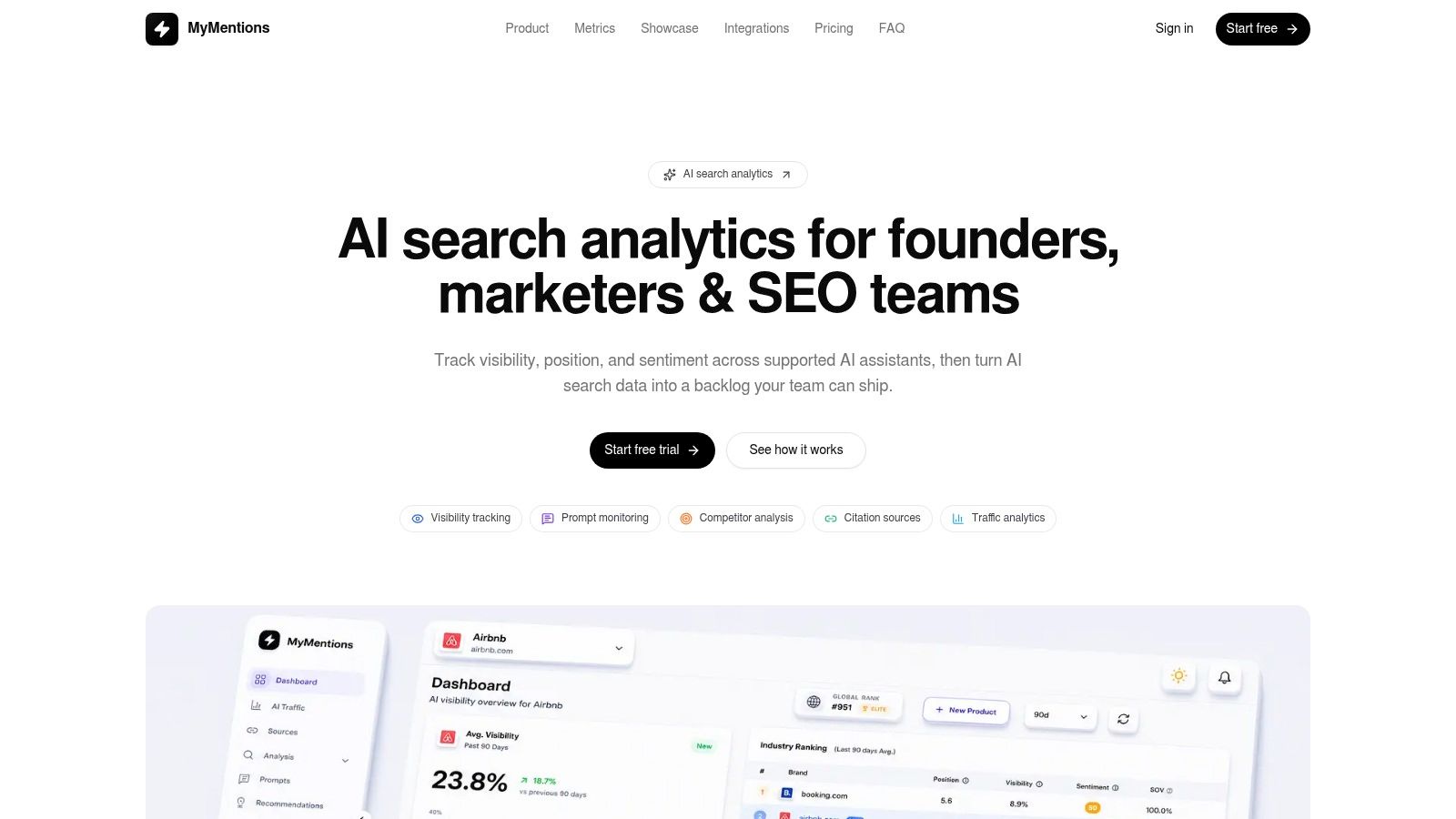
- 1. MyMentions for actionable AI visibility reporting
- 2. Looker Studio for fast connected marketing reports
- 3. Tableau Public for reverse-engineering interactive layouts
- 4. Power BI for executive summaries with drill-down depth
- 5. Metabase for lightweight team-owned KPI reporting
- 6. Mixpanel for connecting AI exposure to product behavior
- 7. Grafana for live operational visibility monitoring
- Top 7 Dashboard Examples Comparison
- Turn One Layout Into a Recurring Stakeholder Report
1. MyMentions for actionable AI visibility reporting
MyMentions is the strongest fit when the report must explain not only whether a product appears in AI answers, but why its visibility changed and what the team should do next. The dashboard brings prompt-level results across supported AI providers into one workspace, then connects visibility, position, sentiment, citation sources, competitors, and traffic attribution.
The top row should answer the executive question immediately. Use KPI cards for share of voice, average rank, confidence, and AI-attributed traffic, then place a trend view underneath to show movement by date, provider, market, or prompt category. The useful distinction is between exposure and outcome. A mention or ranking change is an important signal, but it isn't the same as a visit, assisted conversion, or pipeline influence.
MyMentions is built for this diagnostic path. You can organize buyer-intent prompts, add competitors, compare providers such as OpenAI, Google, Perplexity, Claude, Grok, Copilot, and DeepSeek, and inspect the exact pages cited in answers. That citation layer turns a dashboard from a scorecard into a working backlog. A product documentation page, review, partner article, or comparison page may explain why an assistant describes your product differently from a competitor.
Practical rule: Put the metric, its definition, the comparison context, and the next action in the same reporting view. A high share of voice without source evidence leaves the SEO team guessing.
The layout that makes the report operational
Use a market-overview panel for headline visibility, a competitor-comparison panel for relative movement, and drill-down views for provider, prompt, cited page, sentiment, and recommended fix. Founders usually need a concise outcome view. Marketing leaders need market and competitor movement. SEO and content teams need the cited URLs and a prioritized queue covering trust, content, UX, and technical improvements.
Customization is straightforward because the report follows the workflow. Filter by provider, market, date, prompt group, competitor, or sentiment. Set alerts through Slack, Discord, or email when visibility changes, and export a stakeholder report built to fit each audience rather than sending everyone the same dense workspace. For a related view of competitive reporting structure, see this competitive intelligence dashboard guide.
The main trade-off is coverage. The Starter plan provides 25 provider checks per day across 3 providers, while Pro expands coverage to 50 checks per day, 2 seats, and 8 providers. Enterprise provides 100 checks per day, 5 seats, scheduled reports, competitor tracking, and billing controls. Pricing is listed at $49 per month for Starter, $99 per month for Pro, and $199 per month for Enterprise, and paid plans include a 7-day free trial. These figures come from the supplied product brief, so confirm current plan details before buying.
2. Looker Studio for fast connected marketing reports
Looker Studio's Report Gallery works well when the stakeholder question is, “Can we assemble a usable reporting view quickly from the data we already collect?” The official Looker Studio Report Gallery contains finished dashboards for marketing, web analytics, SEO, YouTube, and related use cases. Teams can copy a template, connect their own sources, and publish a working report without designing every component from a blank canvas.
For AI visibility, the gallery is best treated as a presentation layer rather than a native monitoring system. Build the first page around share of voice and average rank, then add filters for provider, prompt category, market, competitor, and date if those fields exist in the connected dataset. A second page can show cited URLs and traffic attribution. Keep confidence visible beside the metric it qualifies, otherwise stakeholders may read an estimated or provider-specific signal as a definitive business result.
The strength is speed and familiarity, particularly for teams already using Google Analytics 4 or other Google Marketing Platform sources. A marketing lead can combine AI referral sessions with existing acquisition reporting, while an SEO lead can place visibility trends beside landing-page performance. The weakness is that the report won't automatically create the prompt-level monitoring, citation analysis, or recommendation queue that a specialized AI visibility platform provides.
A copied template saves layout time, not measurement design. Define how share of voice, rank, confidence, and AI-attributed visits are calculated before polishing the charts.
Export and governance trade-offs
Looker Studio supports sharing and publishing workflows that suit recurring stakeholder reviews. Export the summary page for a board packet, keep the diagnostic pages available for marketing and SEO users, and use filters to avoid creating separate reports for every market or competitor set. For more ideas on adapting reporting views to search data, review these customizable SEO dashboards.
The trade-off appears when governance becomes important. Advanced organization controls require Looker Studio Pro, and complex setups may involve a Google Cloud project and billing. Those requirements can be reasonable for a larger reporting operation, but they add administrative work that a small team may not need. Looker Studio is therefore a good choice for flexible, connected reporting, but a weaker choice when the central requirement is discovering which pages influence AI answers and assigning fixes directly from the report.
3. Tableau Public for reverse-engineering interactive layouts
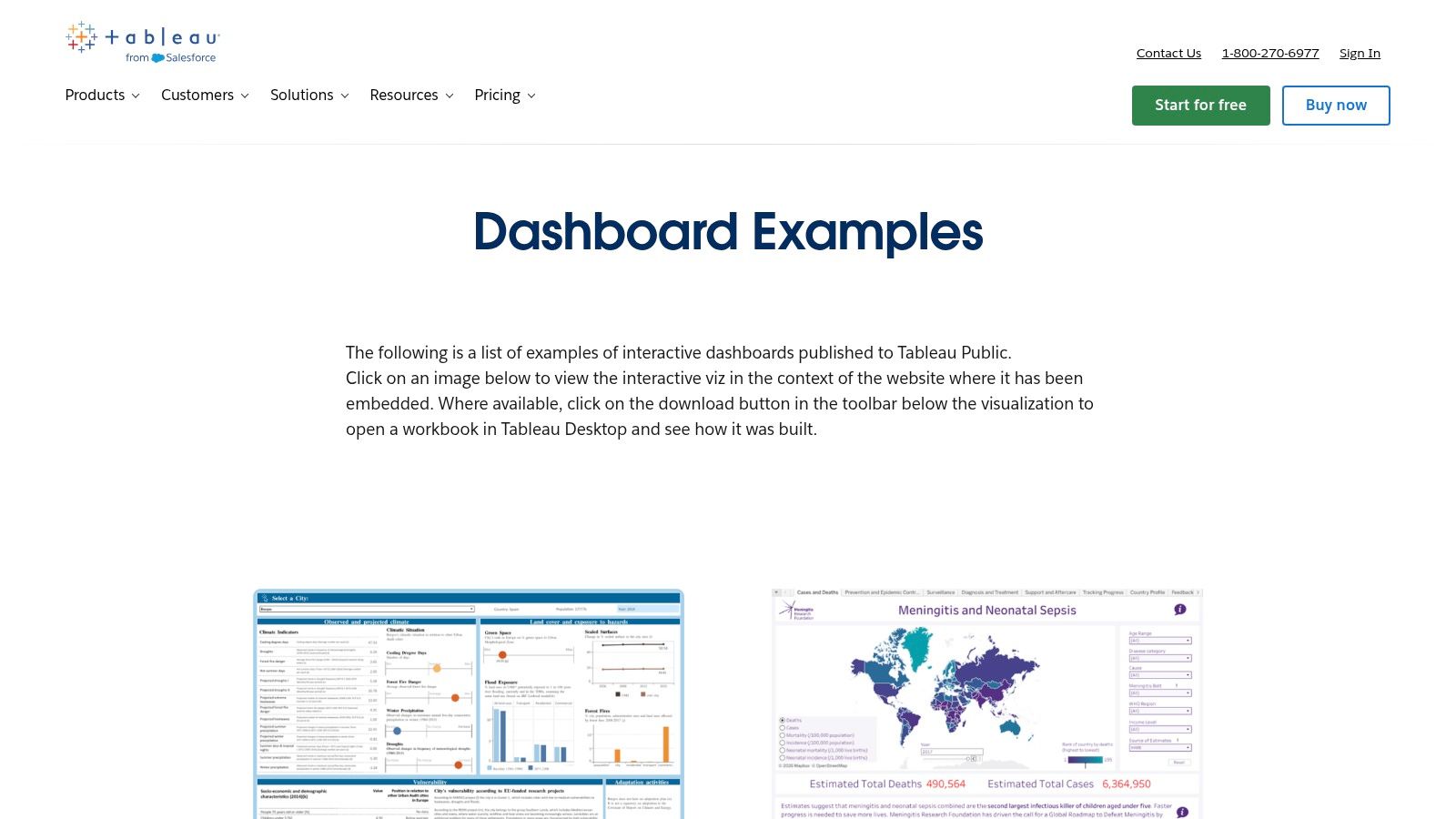
Before committing to a build, study how published Tableau workbooks sequence an executive overview into supporting detail. Tableau Public's dashboard examples and showcase span marketing, finance, operations, and public data. Open the dashboards, test filters, inspect tooltips, and note how each view answers a stakeholder question before exposing the underlying detail.
Use the gallery as a design reference, not as an AI visibility system. Choose layouts that place headline indicators above trend and comparison views, then replace the sample metrics with share of voice, average rank, confidence, and traffic attribution. Parameters and filters can support provider, prompt, market, and competitor selections. Tooltips should define each metric and its data scope, rather than repeat the value already displayed.
A useful sequence has three levels. An executive sees the current position and its direction first. A marketing manager compares providers, competitors, or markets next. An analyst then opens the prompt or citation detail behind the change. Published dashboard research on analytical tool design supports this layered approach, giving stakeholders a concise summary without removing access to underlying records and breakdowns.
Customization should follow the decision, not the visual style. If the question is share of voice, keep the comparison visible and expose the selected provider set. For rank, show the period and prompt group behind the average. For confidence or traffic attribution, make definitions and source scope available through tooltips or a detail panel. Export the summary for a review deck, while preserving the filtered workbook or a data extract for analysts who need to investigate.
Where the approach breaks down
Tableau Public's community model offers real interactive work instead of static mockups, but quality varies. Review definitions, grouping, scale, and comparison rules before adopting a layout. A polished chart can still communicate the wrong conclusion.
Porting a concept to another stack may require rebuilding Tableau-specific interactions, calculated fields, and workbook logic. Looker Studio, Power BI, or a specialized AI visibility platform may not accept the same structure or data model. Borrow the interaction pattern, then document the fields, filters, and export path your own report requires.
For a focused comparison of analytics products used by growth teams, see these AI marketing analytics tools. Tableau Public suits teams that need to improve visual explanation before development. It does not provide the shortest route to prompt monitoring or automated action management.
4. Power BI for executive summaries with drill-down depth
Leadership wants the result in one glance, while the operating team needs to investigate it without requesting another report. Microsoft's sample datasets and reports show how summary dashboards, report pages, filters, and detailed views can work together.
For AI visibility, adapt that structure around stakeholder decisions rather than copying sample metrics. Put share of voice, average rank, confidence, and traffic attribution in the executive layer. Add report pages for provider comparisons, competitor movement, prompt groups, cited pages, and downstream visits. A pinned summary supports the weekly review, while the underlying report preserves the evidence behind each change.
The strongest layout separates explanation from investigation. One page should show what changed, which provider or prompt group contributed to it, and why the result matters. Another should let analysts filter prompt, citation, and visit records. This preserves a readable leadership view without hiding the detail needed to check attribution or diagnose a ranking shift.
The adaptation work you shouldn't skip
Power BI's defaults teach composition, but they do not match every organization's reporting language. Replace generic colors, rename measures in stakeholder terms, document calculation rules, and remove visuals that do not support a decision. Sample data can be fictitious, so label it as an example rather than presenting it as company performance.
The semantic model needs explicit definitions. State whether average rank gives each provider equal weight, how absent mentions are handled, what confidence measures, and which visits qualify as AI-attributed. These definitions can sit in a methodology panel or tooltip, keeping the executive page concise while giving reviewers access to the rules.
Export the summary for a leadership deck, then retain the filtered workbook or a data extract for analysts. That export path matters because a static image cannot answer follow-up questions about prompt coverage, provider scope, or citation-level evidence.
For a broader look at reporting workflows for AI-generated answers, see these AI reporting tools. Power BI suits organizations already using Microsoft's ecosystem and prepared to maintain the data model. It requires more setup than a specialized product dashboard, but it can support detailed access controls and cross-functional reporting once the foundation is sound.
5. Metabase for lightweight team-owned KPI reporting
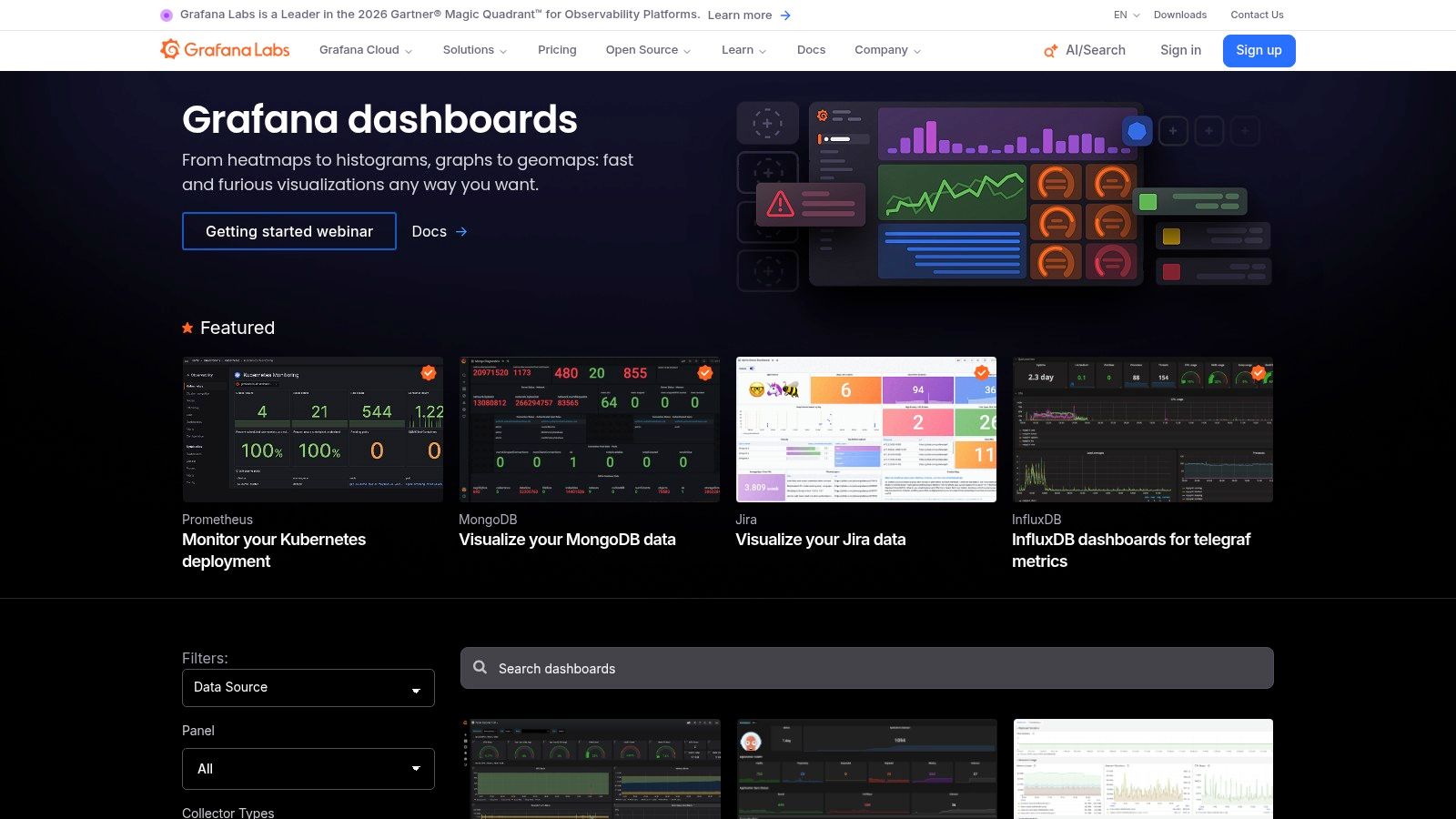
A marketing team that cannot wait on a BI specialist for every filter change is the natural Metabase audience. Its dashboard examples include collections such as E-commerce Insights and Server Monitoring. New instances may include example collections that administrators can configure, giving teams a practical starting point for layout and permissions.
For AI visibility, build a compact stakeholder view around one question: Can we see whether exposure is improving, and trace the change to its source? Start with cards for share of voice, average rank, confidence, and AI-attributed visits. Add a time-series chart, provider comparison, and table of prompts or cited pages requiring attention. Keep the first view small enough for a weekly meeting. Use saved questions or linked dashboards for diagnostic work.
Custom questions and filters let the team test provider, prompt, date, or page-level views without rebuilding the report. Export the summary for a leadership deck, then retain the filtered question or data extract so analysts can investigate attribution and citation evidence. That split keeps the executive layout readable while preserving a path to detail.
Metabase also supports alerts, pulses, embeddable charts, and an open-source option. These features can send a visibility change to a channel or place a current view in an internal workspace. They do not define the underlying metrics. Prompt results, provider names, citation URLs, and visit data still need consistent modeling.
Design decision: Use Metabase for recurring questions your team can define and maintain. Put exploratory analysis elsewhere unless it directly supports the same operating workflow.
What you gain and what you give up
The learning curve is friendlier than many enterprise BI tools, and teams can move quickly from a connected schema to an executive or operational dashboard. Permissions support practical ownership, while advanced semantic modeling is lighter than in larger BI platforms. That trade-off matters when metrics require complex definitions, governance, or detailed cross-source attribution.
Example content may be disabled or removed by an administrator, so treat the gallery as a starting point rather than a permanent dependency. For a related marketing reporting structure, see this internet marketing dashboard guide.
Metabase fits fast monitoring and shared context. It is less suitable when the platform itself must discover AI citations, compare many providers, and generate a prioritized SEO backlog.
6. Mixpanel for connecting AI exposure to product behavior
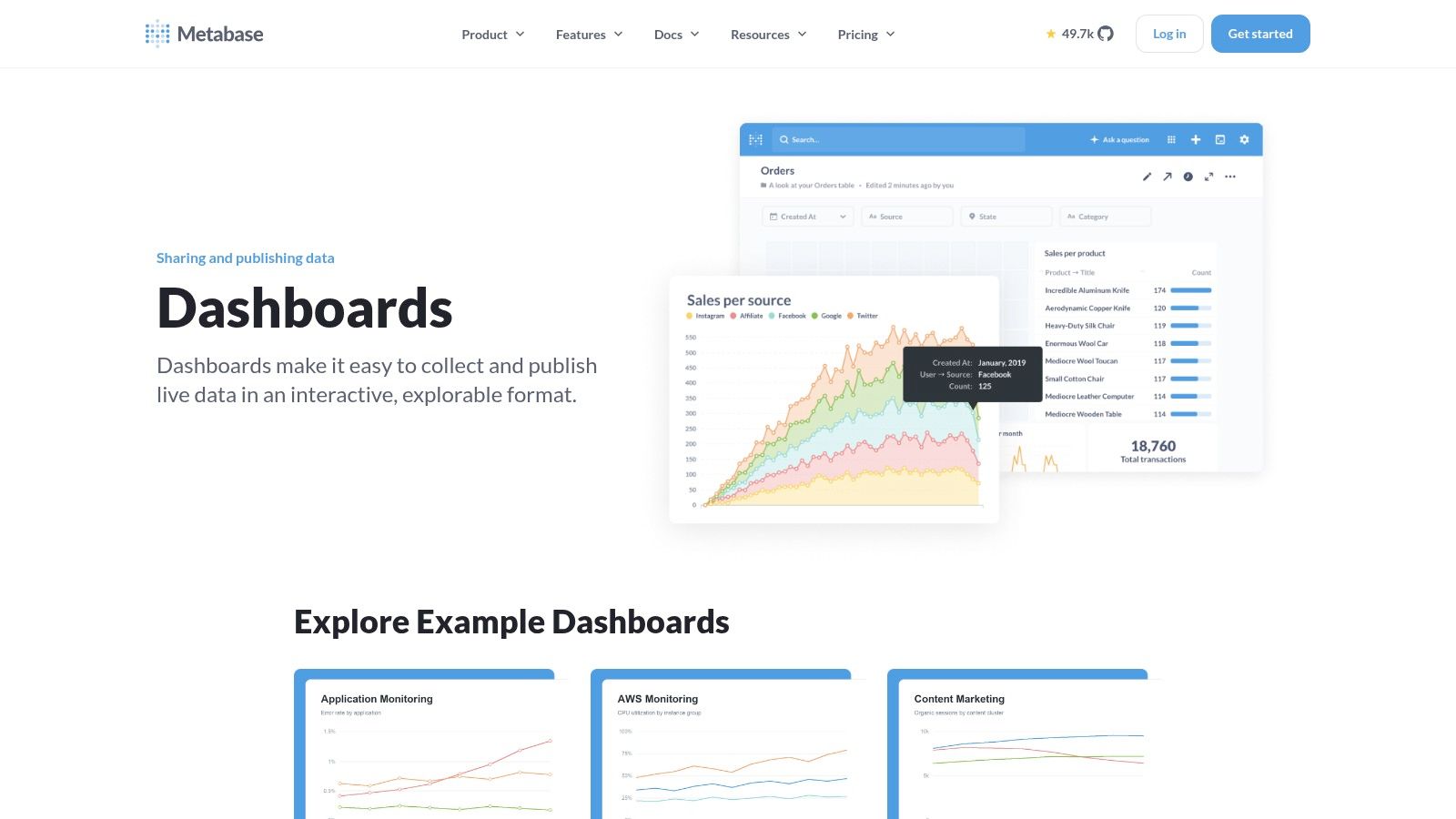
An AI-generated recommendation produces a visit. Mixpanel's Template Gallery helps answer what that visitor does inside the product next. Its Mixpanel Template Gallery includes editable dashboards for product analytics, covering company KPIs, activation, retention, and funnel analysis. Teams can install templates in a project and connect them to event data.
Mixpanel therefore works as a downstream layer beside an AI visibility report. Keep share of voice, average rank, provider, and cited source in the visibility system. Send qualified AI referral sessions or campaign identifiers to Mixpanel, then use funnels and retention views to examine activation, feature use, and return behavior. This division keeps product analytics focused on behavior while the visibility system handles prompts and citations.
Start the layout with a source segment, such as AI-referred visitors. Follow it with the product steps that matter after arrival. A funnel shows where visitors stop, while a retention view shows whether they return. Cohort comparisons help stakeholders judge whether improved visibility attracts a relevant audience rather than only increasing attention.
The data requirement is the trade-off
Mixpanel's templates depend on reliable event instrumentation and a coherent taxonomy. Before using them for stakeholder reporting, check event names, properties, and identity rules against the template language. Poor instrumentation can make a clean-looking dashboard answer the wrong question.
Mixpanel is not a general BI replacement, and it will not identify which product page an AI assistant cited. Use AI tools for product feature prioritization for context on turning behavioral evidence into product decisions. In the report, label each handoff clearly: AI visibility is exposure, referral traffic is acquisition, and activation or retention is downstream behavior. This wording prevents teams from attributing a product outcome to an AI mention without showing the path between them.
For customization, map the incoming referral or campaign properties to the project's event schema, then adapt a funnel or retention template around the stakeholder question. Export the resulting view for recurring reporting, while keeping the source visibility dashboard available for rank, provider, and citation detail. That layout makes the attribution boundary visible instead of hiding it.
Mixpanel suits conversion context. Pair it with a visibility-focused dashboard when stakeholders ask whether mentions bring users who progress, not only whether the brand appears.
7. Grafana for live operational visibility monitoring
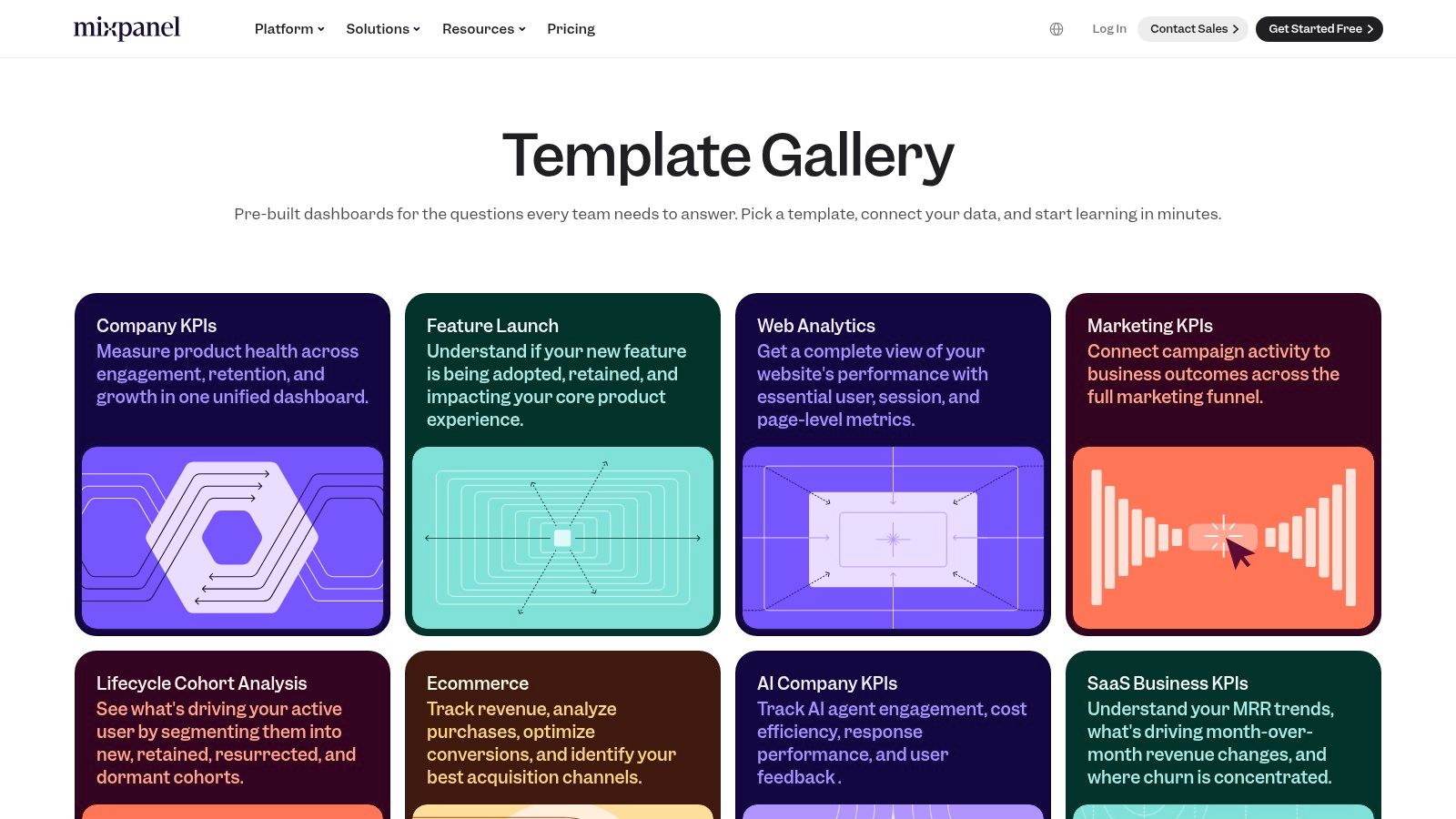
When average rank drops at 9 a.m. and someone needs an explanation by 9:15, Grafana is built for that urgency. Its public dashboard library offers shareable dashboards for observability and business telemetry. Grafana handles time-series data, alerts, real-time visualizations, and connections to varied data sources well.
For AI visibility, put movement and response context first. Use time-series panels for share of voice, average rank, confidence, and AI-attributed traffic. Mark content releases, technical changes, provider changes, and campaign launches directly on the charts. A second panel can identify the provider or prompt group behind a shift. Link that view to citation details and the recommended action, so stakeholders can move from signal to investigation without searching through separate reports.
Import and export workflows help teams reproduce a dashboard design in another Grafana instance. Community and vendor-maintained dashboards can also provide a starting point for a specific data source, but every calculation and time range needs validation before stakeholder use. Adapt the layout for the audience. An engineer may want dense telemetry, while a founder needs a clear change, likely cause, and next action.
Alerting is valuable only with response ownership
Create an alert only when someone knows what to inspect and who owns the response. A fall in average rank should trigger provider and prompt review. A traffic change should trigger referral and attribution checks. A citation change should trigger source-quality and content review. Without those assignments, alerts become another stream of unread notifications.
Grafana requires more work for executive reporting. BI-style tables, narrative summaries, and polished board layouts may take longer to build than they would in Power BI, Looker Studio, or a specialized reporting product. Community dashboards also vary in quality, so validate their calculations and time ranges before presenting them to senior stakeholders.
Grafana fits teams that need frequent refreshes and fast operational response. It is less efficient when the primary output is a structured backlog covering content, trust, UX, and technical fixes.
Top 7 Dashboard Examples Comparison
| Product | 🔄 Implementation complexity | ⚡ Resource requirements | 📊 Expected outcomes | 💡 Ideal use cases | ⭐ Key advantages |
|---|---|---|---|---|---|
| MyMentions | Medium, prompt setup, multi-provider config | Moderate, paid subscription, API checks, analytics hookup | AI mention share, avg rank, sentiment, traffic attribution | SaaS/product teams optimizing AI discovery and conversions | Prompt-level multi-provider visibility; citation-source analysis; prioritized fix queue |
| Looker Studio – Official Report Gallery | Low, copy templates and swap data sources quickly | Low–Moderate, free tier; better with Google/GA4 data | Fast, production-ready reports from templates | Marketing/web analytics teams using GA4/Google stack | Rapid template-to-live; strong GA4/Google integration |
| Tableau Public – Dashboard Examples and Showcase | Low–Medium, browse and reverse-engineer public workbooks | Low, free gallery access; needs Tableau to reuse workbooks | Design inspiration and real interactive examples | Analysts/designers building stakeholder-ready visualizations in Tableau | Large searchable gallery; live interactivity; reverse-engineering of real workbooks |
| Microsoft Power BI – Sample Dashboards and Reports | Medium, install samples and customize layouts | Moderate, Power BI licensing for advanced features | Learn report composition; ready executive & operational layouts | Teams on Microsoft stack building exec summaries and drill-downs | End-to-end sample datasets; step-by-step tutorials for report composition |
| Metabase – Dashboard Examples and Templates | Low, minimal setup, admin-configurable examples | Low, open-source option; lightweight infra | Fast KPI dashboards and simple operational reports | GTM/product teams and non-analysts needing quick insights | Fast schema-to-dashboard; simple permissions; embeddable charts |
| Mixpanel – Template Gallery (Product Analytics) | Low–Medium, install templates, map event taxonomy | Moderate, requires Mixpanel event data (free tier available) | Rapid cohort, funnel and retention insights | SaaS founders, growth and product teams focused on user funnels | Dozens of product analytics templates; fast time-to-value for retention analysis |
| Grafana – Public Dashboard Library | Medium, import/export JSON, connect metrics sources | Low–Moderate, works on-prem or Grafana Cloud free tier | Real-time operational dashboards with alerts | Observability and telemetry-heavy monitoring teams | Strong time-series support; large ecosystem of community/vendor dashboards |
Turn One Layout Into a Recurring Stakeholder Report
Start with the single stakeholder question that matters most this quarter. If leadership needs to know whether AI recommendations produce qualified visits, build the report around the path from visibility to position to confidence to traffic attribution. If the SEO team needs to improve inclusion, put cited pages, prompt gaps, competitor comparisons, and recommended fixes closer to the front.
Choose the example whose layout answers that question fastest, then rebuild only the widgets that carry the decision. A specialized workspace such as MyMentions is the efficient option when prompts, providers, rankings, citations, and fixes must stay connected. Looker Studio, Power BI, Tableau, Metabase, Mixpanel, and Grafana each become more useful when assigned a clear role instead of being treated as interchangeable dashboard galleries.
The dashboard architecture matters more than the number of charts. A useful report has an overview layer for headline KPIs, an analytical layer for comparisons and trends, and a diagnostic layer for source-level explanations. Filters should narrow provider, market, date, prompt group, competitor, or sentiment. Drill-down should reveal evidence, not merely open another decorative chart.
Give every metric an owner and a definition. Document whether average rank is provider-specific, how missing mentions are handled, what confidence represents, and which visits count as AI-attributed. Keep exposure metrics separate from downstream outcomes, because a visibility change can coincide with a traffic change without proving that one caused the other. The supplied dashboard research also highlights the importance of filters, drill-down, interactive controls, and export functions for turning a summary view into a usable analytical tool. Read the BIS dashboard research for the underlying design principles.
Set an export cadence that matches the review cycle, assign one owner for each metric, and include a plain-language “what changed and what to do next” note in every stakeholder report. Review whether AI mentions are turning into visits before adding more charts. If the report can't direct a decision, remove the widget or move it to a diagnostic view.
MyMentions connects prompt-level AI visibility data with share of voice, average rank, confidence, citation sources, competitor movement, and traffic attribution in one workspace. Create buyer-intent prompts, compare supported AI providers, receive alerts, and export stakeholder-ready reports with an action backlog. Visit MyMentions to turn a dashboard from a passive scorecard into a repeatable process for improving how AI assistants discover and recommend your product.