AI search analytics for founders, marketers & SEO teams
MyMentions tracks how your brand appears in AI responses to your buyer questions. Compare mentions, position, sentiment, and competitors across supported providers, then decide what to improve next.
New to tracking? Read the AI visibility measurement guide.
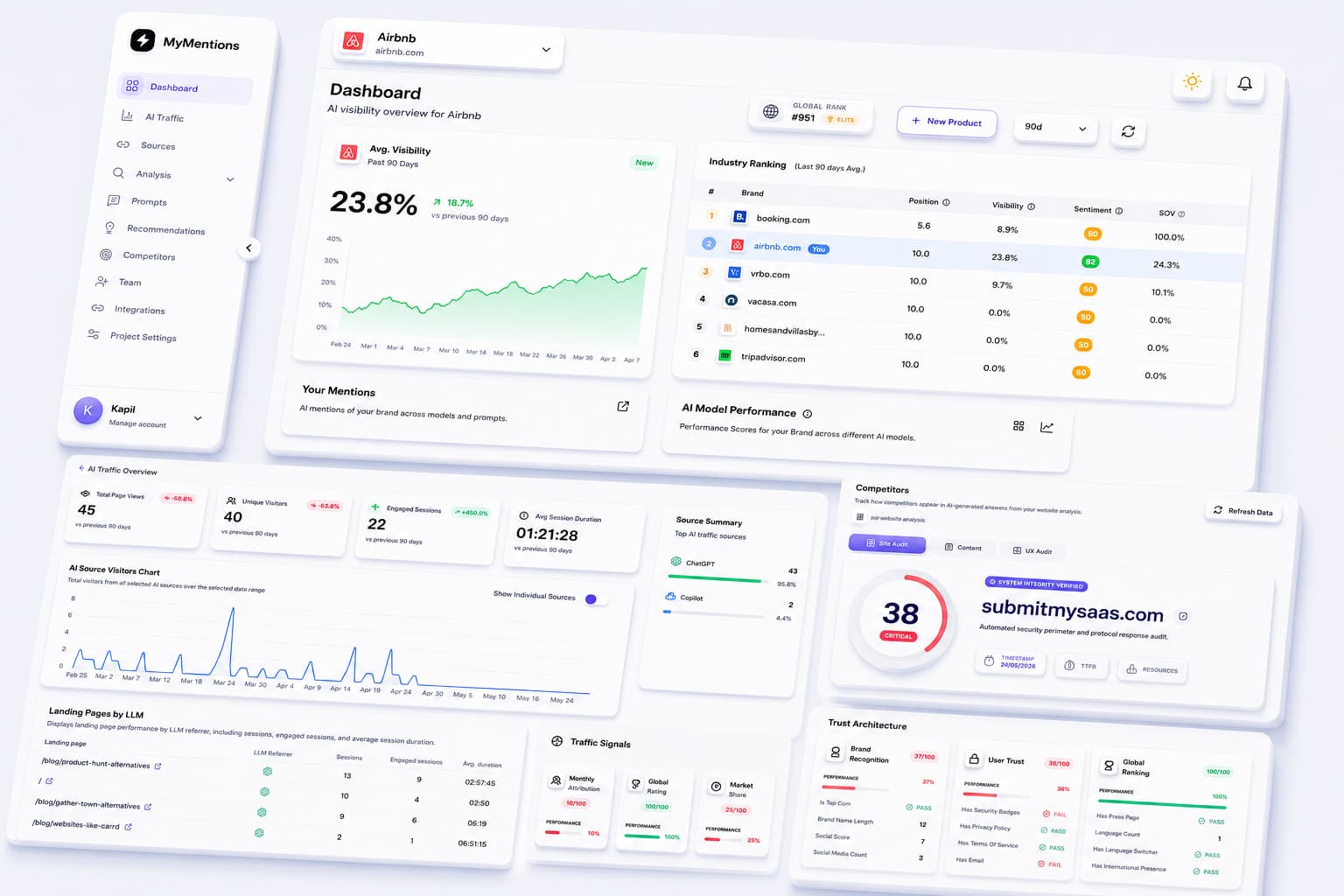
Build the operating system for AI visibility
MyMentions connects the prompts, rankings, sources, competitors, and fixes your team needs to improve how AI recommends your product.
Illustrative workflow examples. The figures below are sample data, not measured customer outcomes or search volumes.
Set up prompts
Uncover and organize the buyer questions that define your AI search strategy.
Prompts users ask to find products like yours
Pick winning opportunities
Use visibility, position, and sentiment signals to focus on the highest-impact work.
Based on tracked visibility gaps
Best AI visibility tools for growing teams
Add competitors
See how you rank against the brands that matter in your market.
Choose AI providers
Compare prompt results across Starter coverage and the full provider set available on higher plans.
Provider coverage
3 providers to start, 8 on Pro and Enterprise
Find key sources
Review the source URLs returned with AI answers alongside your brand mentions.
Act on insights
Turn AI search data into a focused backlog for your next fixes.
Measure the signals behind every AI mention
See whether your brand appears in collected responses, where it is mentioned, and the tone of the answer. Compare the same prompts and providers over time.
Illustrative metrics below show the interface, not customer results. Read the metric definitions.
Visibility
Share of tracked answers where your brand appears.
67%
+12%
Position
Average rank when your brand is recommended.
2.4
-0.6
Sentiment
How positive AI responses sound around your product.
82%
+5%
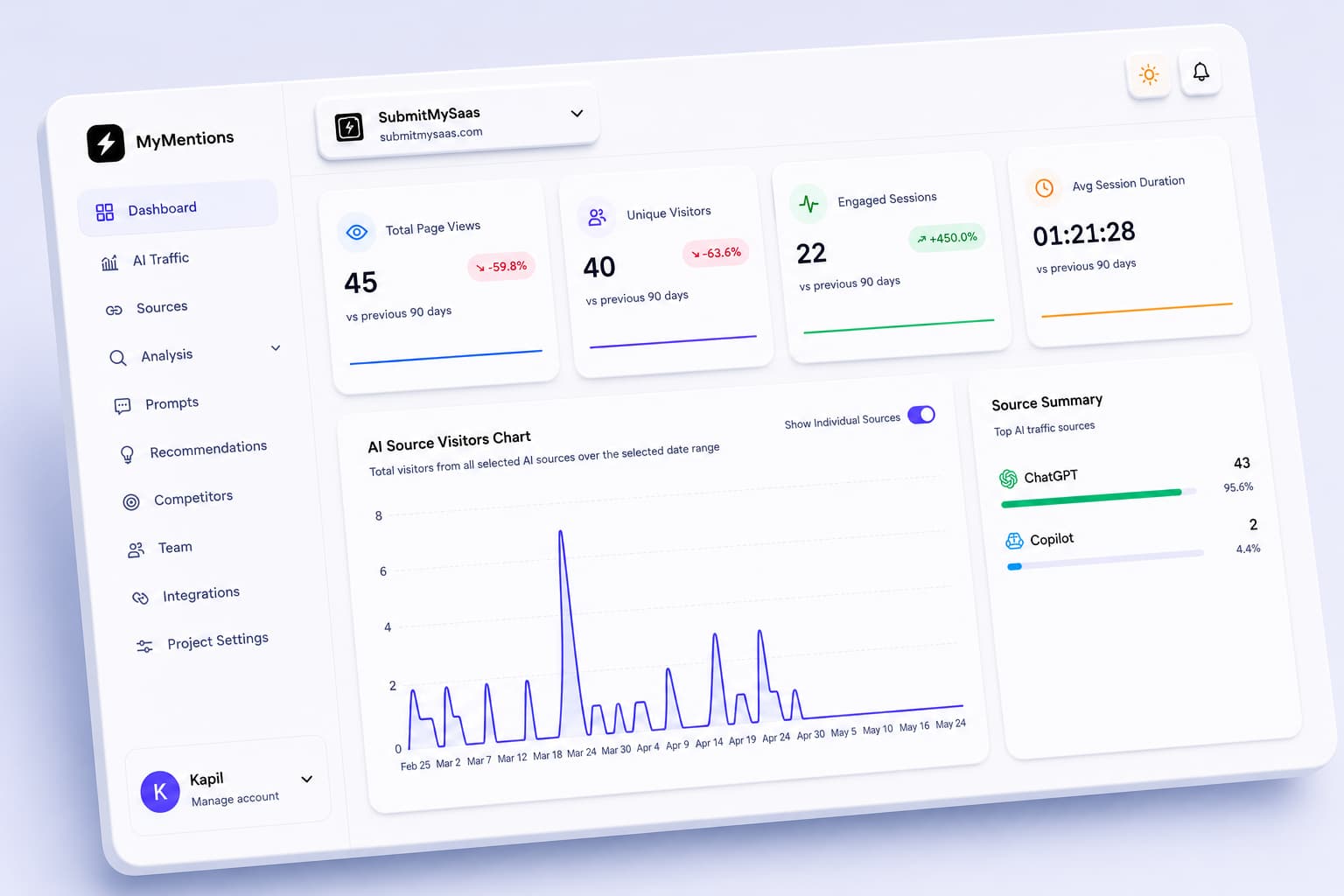
Signal map
Visibility, traffic, sources, and competitor context
See how the MyMentions workspace comes together
Follow the workflow from collected responses to competitor comparisons and suggested improvements. Screens show product previews; displayed figures are illustrative.
One workspace for the full AI visibility loop
Review mentions and source links, choose a change to investigate, and compare your next analysis. Pro and Enterprise add tailored recommendations and notification integrations.
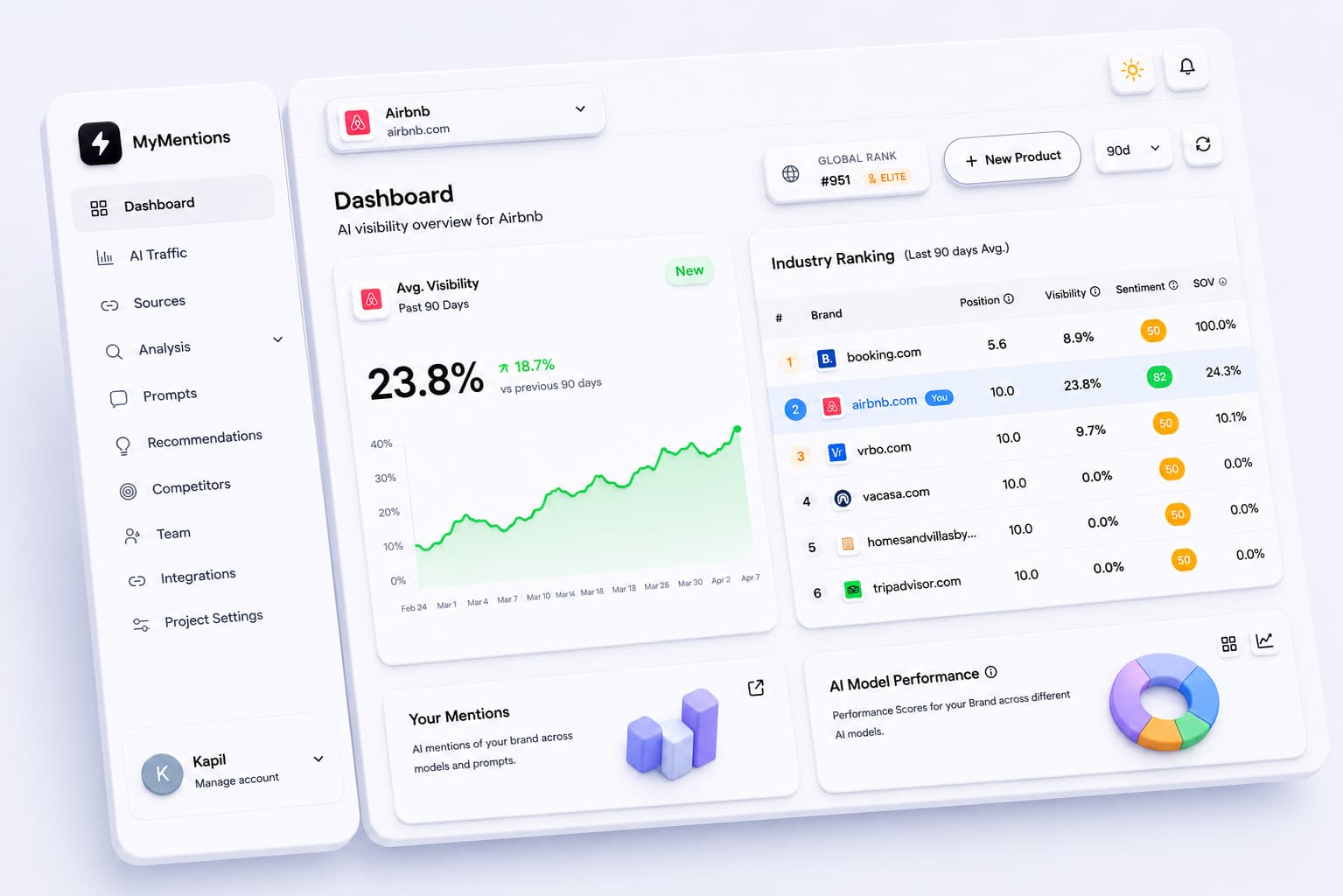
Visibility dashboard
Start with the core visibility picture: rankings, sentiment, share of voice, and the competitors AI keeps mentioning.
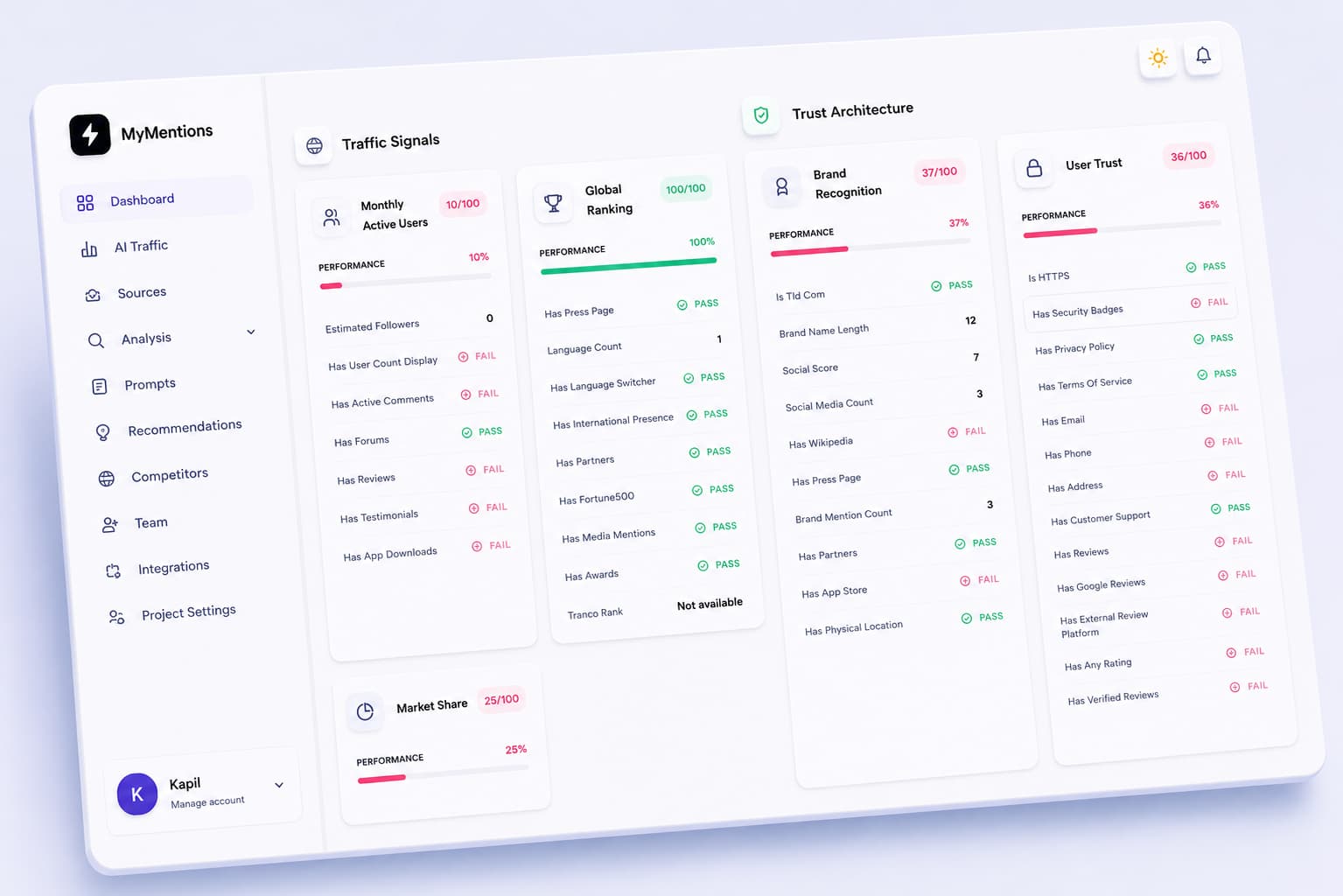
Recommendation queue
Turn visibility gaps into prioritized work across trust, content, user experience, and technical signals.
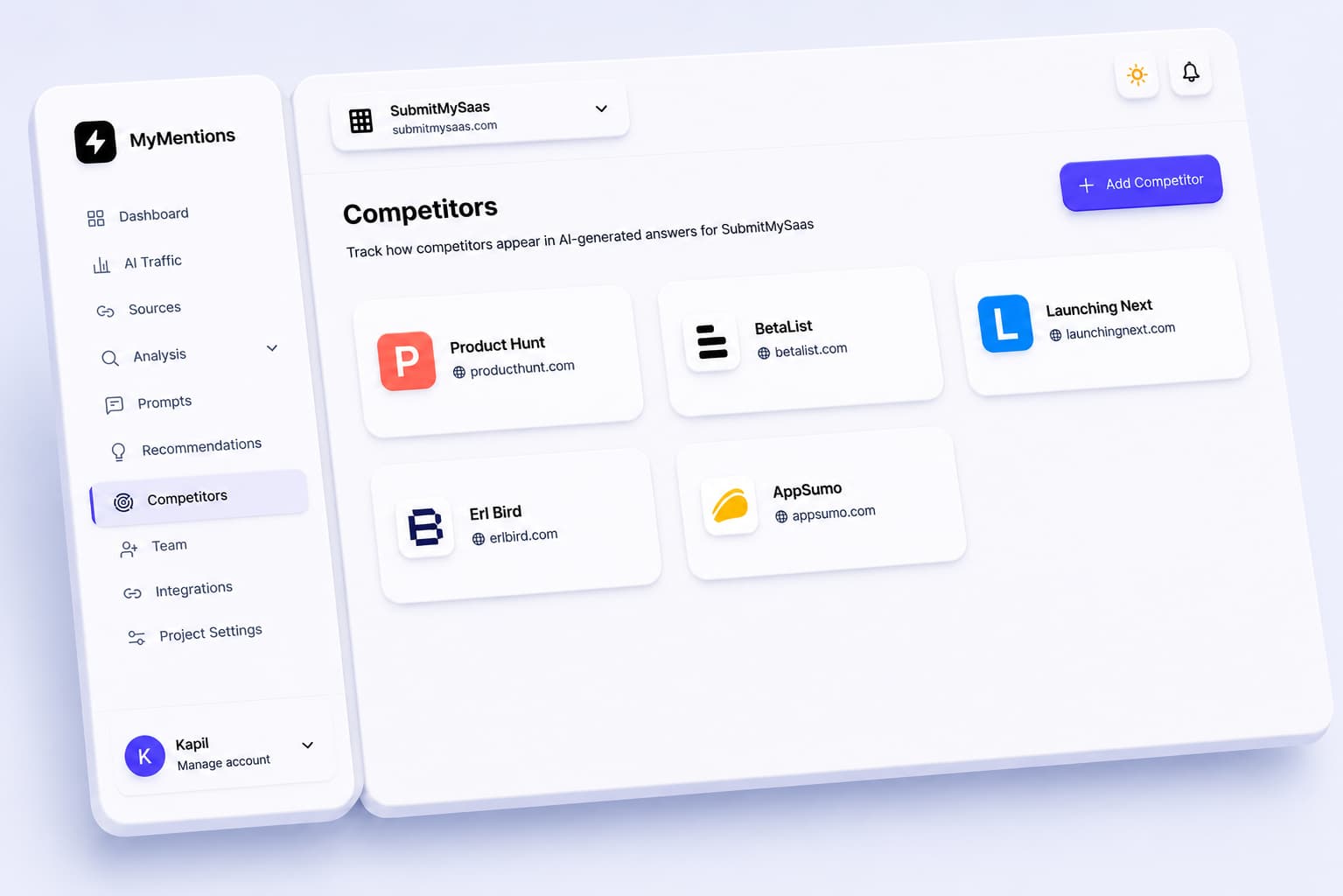
Competitor context
See which brands appear beside you, where they are gaining ground, and what to investigate next.
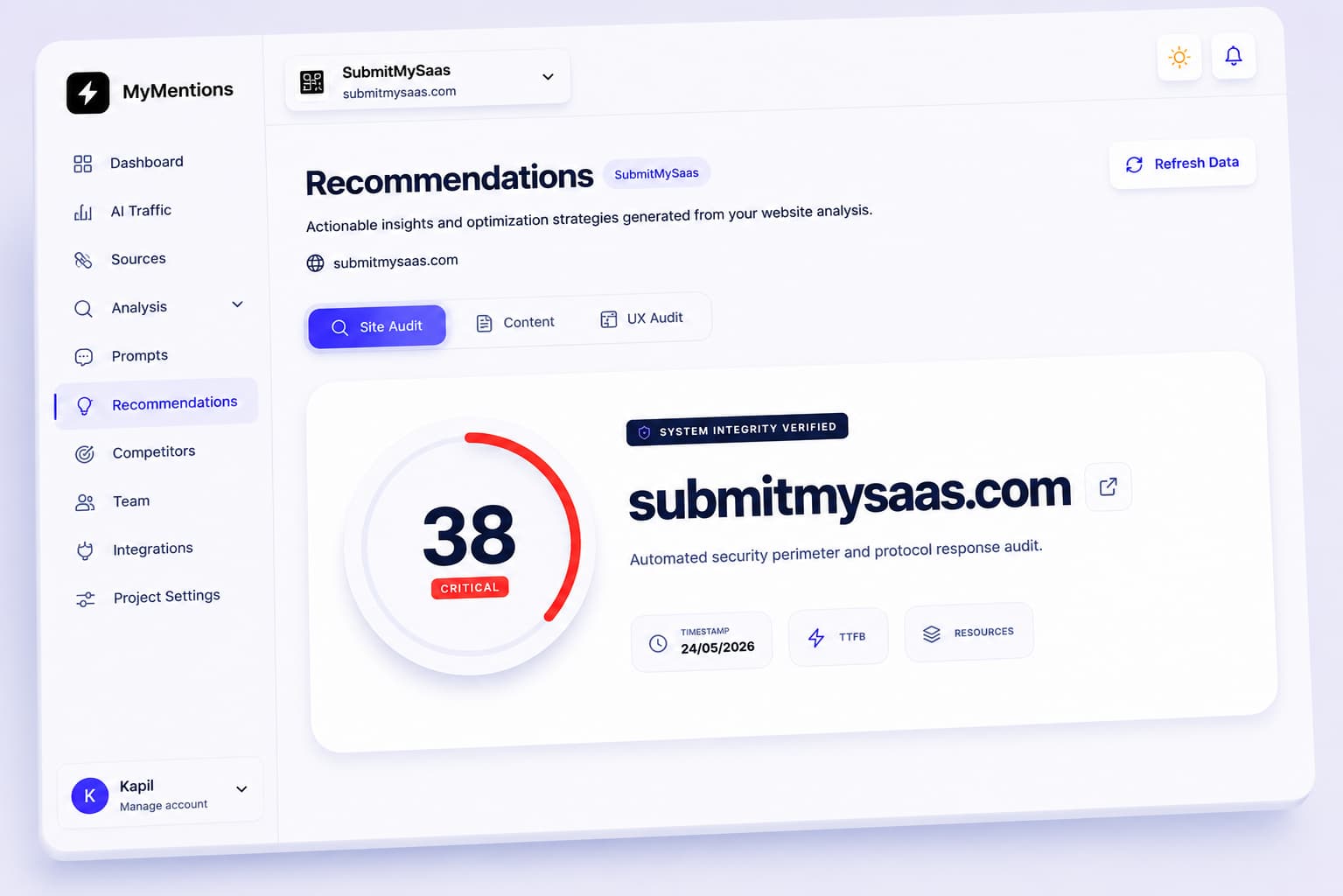
Site trust signals
Review technical, content, and trust signals to identify issues worth investigating. Audit scores are diagnostic suggestions, not AI ranking factors.

Integrations
Send visibility alerts where your team works
On Pro and Enterprise, connect Slack, Discord, or Email to receive notifications about your tracked AI visibility.
Slack
Send visibility alerts from your tracked analyses to your team channel.
Discord
Send visibility alerts into the Discord channels your team uses.
Receive visibility alerts and report updates in your inbox.
Choose the plan for each product
Start with the daily provider-check volume you need, then upgrade when your team needs more coverage, recommendations, integrations, or seats. Every paid plan starts with a 7-day free trial.
Protocol Alpha
Starter
Perfect for individual products starting AI search tracking
Start Free TrialProtocol Delta
Pro
Ideal for teams improving visibility across AI answers
Start Free TrialProtocol Omega
Enterprise
Best for advanced teams that need deeper AI visibility
Start Free TrialOne provider check runs one prompt against one provider. For example, 5 prompts across 3 providers use 15 daily checks. Limits and subscriptions apply per product. Review provider coverage and measurement limits.
FAQ
Questions teams ask before tracking AI visibility
Short answers on providers, trials, provider checks, traffic tracking, and what MyMentions helps your team improve.
What does MyMentions track?
MyMentions tracks how AI assistants mention, rank, and describe your product across buyer prompts. You can monitor visibility, position, sentiment, competitors, citations, recommendations, and AI-driven traffic in one workspace.
Which AI providers are included?
Starter checks OpenAI, Google Gemini, and Perplexity. Pro and Enterprise also include Anthropic Claude, xAI Grok, Azure OpenAI, DeepSeek, and Meta AI through Together.ai. These are provider API checks; they do not reproduce every consumer app experience or track Google AI Overviews, Google AI Mode, or Microsoft Copilot.
What counts as a prompt analysis?
A provider check is one tracked buyer question checked on one AI provider. Checking 1 prompt across 8 providers uses 8 provider checks from the product's daily plan limit.
Do you only show rankings, or do you suggest fixes too?
Pro and Enterprise include tailored site, content, and UX recommendations to help prioritize your work. Treat these as suggestions to investigate: a visibility change alone does not establish its cause or guarantee that a suggested change will increase mentions.
Can I compare against competitors?
Yes. You can add competitor brands, compare share of voice and sentiment, and see which competitors AI models mention most often for the prompts that matter to your category.
How does AI traffic tracking work?
Install the tracking script on your website to record visits classified from detectable AI sources, landing pages, and engagement. Missing referrers, blocked scripts, and source classification can affect coverage. A visit is separate from a mention, signup, or purchase; measure completed conversions in your analytics or billing system.
Does a visibility score represent every AI search?
No. It describes the responses collected for your selected prompts, providers, and reporting period. Prompt wording, provider models, and collection timing can change the result. Compare a consistent prompt set and inspect the underlying answers before acting on a change.
Is there a free trial?
Yes. Paid plans include a 7-day free trial. Cancel during the trial to avoid charges. Payments made after the trial are non-refundable.
Can I upgrade later?
Yes. You can start with Starter and upgrade when you need more daily provider checks, 8-provider coverage, recommendations, integrations, or team seats.
Start tracking AI visibility today.
Create your product, choose a plan, and see how AI assistants mention, rank, and describe your brand.
Get started