A buyer looking for a new tool rarely starts by visiting vendor websites. They type a category question into an AI assistant, add a use case or budget constraint, and receive a shortlist that may shape the rest of their research. By the time they reach your site, the assistant may already have framed your product as a leader, an alternative, or a poor fit.
That makes the prompts your team tracks a measurement system, not just a collection of writing ideas. The right prompt examples reveal who gets discovered, how competitors are positioned, which trust concerns appear, and which sources influence the answer. This approach aligns with the broader shift toward tracking how AI systems shape search and consideration, as outlined in Silva Marketing's AI search strategy.
The six prompt types below follow the buyer journey from category discovery to the citations that support an assistant's answer. Each one includes the metric it can move, the errors that distort the result, and a practical way to turn the output into a backlog item.
Table of Contents
- 1. Buyer-Intent Category Discovery Prompt
- 2. Competitor Alternatives Prompt
- 3. Head-to-Head Comparison Prompt
- 4. Reputation and Trust Check Prompt
- 5. Pricing and Plan Inquiry Prompt
- 6. Citation-Seeking Prompt
- Comparison of 6 Prompt Examples
- Turn Prompt Examples into a Weekly AI Visibility Routine
1. Buyer-Intent Category Discovery Prompt
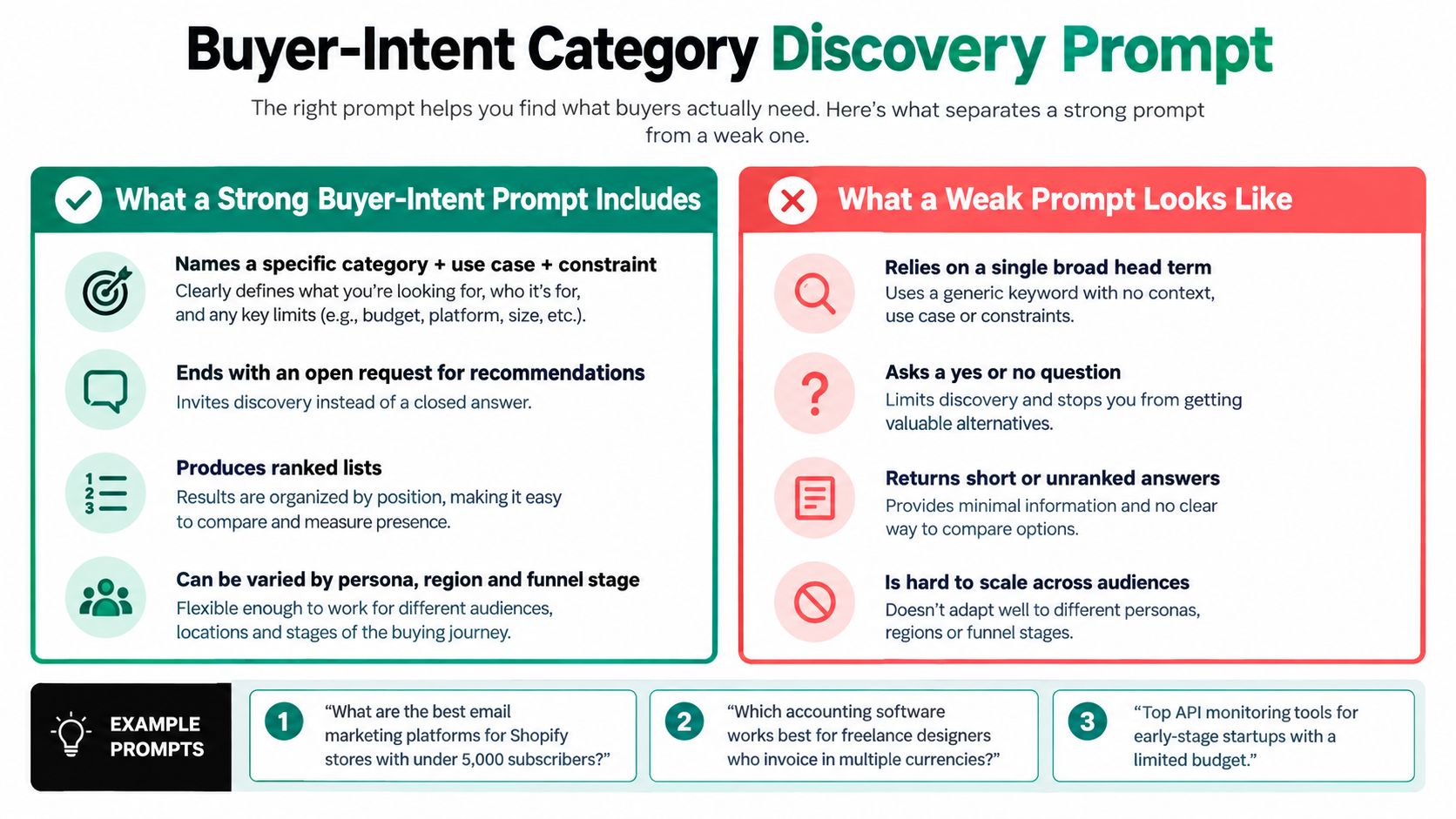
A category discovery prompt asks an AI assistant to recommend products for a defined situation. It might be, “What are the best project management tools for a 10-person remote SaaS team under $20 per seat?” or “Which accounting software works best for freelance designers who invoice in multiple currencies?”
This is the closest prompt type to the moment when a prospect first creates a shortlist. Track brand inclusion, position in the recommendation, and share of voice across the category set. A product that appears consistently in relevant answers has a stronger discovery position than one that ranks only for broad, generic terms.
Useful examples include:
- Email marketing: “What are the best email marketing platforms for Shopify stores with under 5,000 subscribers?”
- Accounting: “Which accounting software works best for freelance designers who invoice in multiple currencies?”
- Developer tooling: “What are the top API monitoring tools for early-stage startups with a limited budget?”
The biggest measurement mistake is prompt drift. If one week's question targets ecommerce brands and the next targets enterprise retailers, a visibility change may reflect a different audience rather than a genuine performance shift. Keep a stable core set, then add controlled variations for category, use case, team size, and budget.
Build a discovery set that reflects real buying language
Start with 20 to 50 buyer-intent prompts distributed across those dimensions. Tag every prompt by funnel stage and audience so awareness questions don't get mixed with high-intent purchase research. Run the same wording over time, and record the provider, answer, brand position, sentiment, and cited sources.
A strong answer still requires inspection. An assistant might mention your product but describe it using an outdated feature, assign it to the wrong segment, or omit the use case that makes it relevant. Use the output to create a specific task, such as updating a comparison page, clarifying a use-case section, or adding terminology customers use in product documentation.
Practical rule: Treat each discovery prompt as a fixed measurement instrument. Change the prompt only when you intentionally create a new test group.
For a repeatable method to structure these questions and evaluate their outputs, use this guide to create effective AI prompts.
2. Competitor Alternatives Prompt
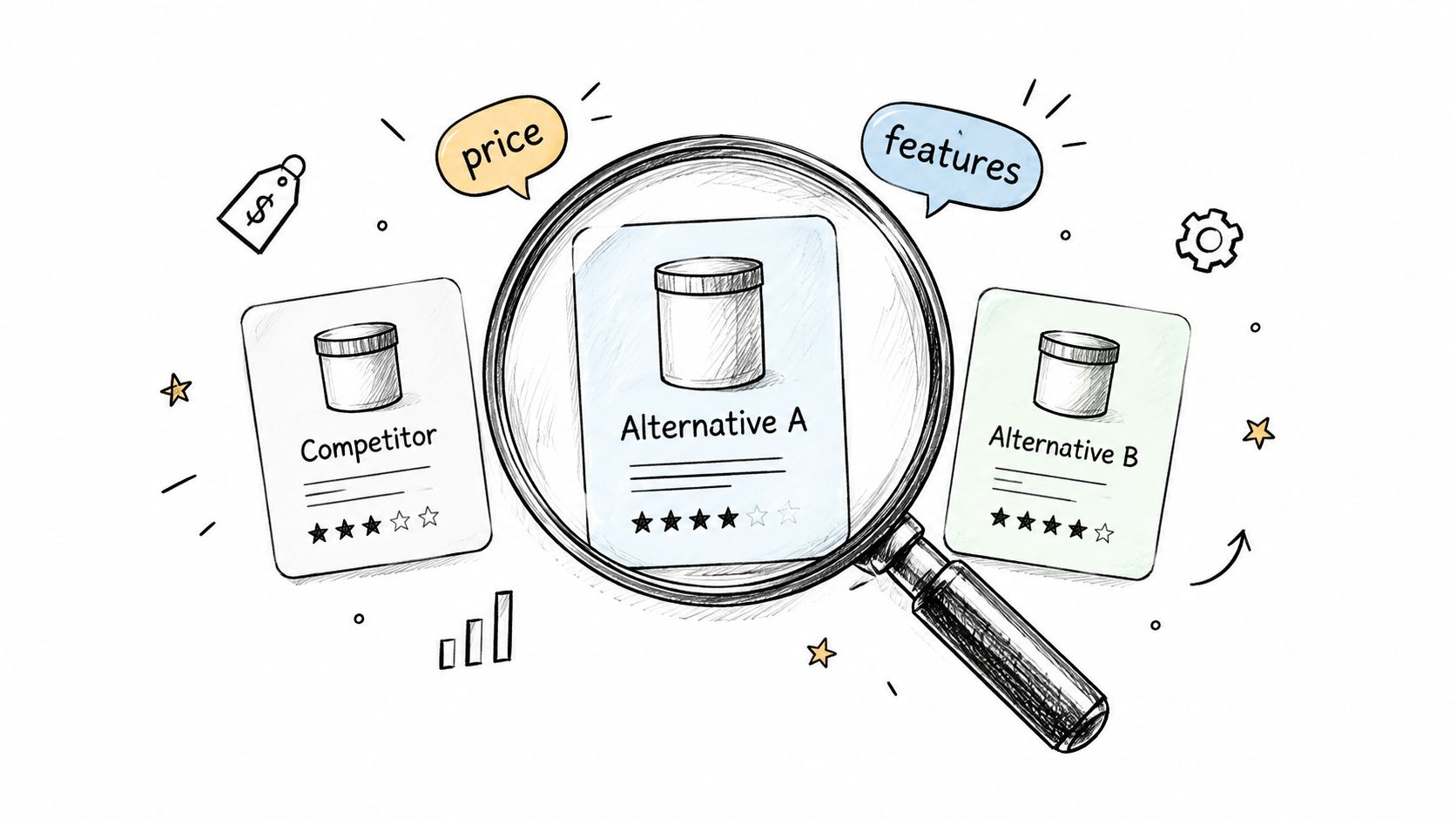
A buyer who asks for alternatives has already shortlisted a known option. “What are good alternatives to Mailchimp for a bootstrapped newsletter business?” signals a search for a lower price, a better workflow, stronger integrations, or a different level of support. This prompt type measures whether your product enters that substitute set and why.
Record inclusion in the alternative set, the stated reason for recommending your product, and repeated competitor associations. A mention alone can mislead. If the assistant repeatedly positions your product as suitable only for large organizations, small-team buyers may rule it out before visiting your site.
Build a test matrix around each major competitor. Vary the switching reason, audience, and category without changing several factors at once. Useful examples include:
- “What tools can replace Zendesk for a small support team?”
- “Cheaper alternatives to Salesforce for a 15-person sales team”
- “Alternatives to Mailchimp for a bootstrapped newsletter business”
Treat the result as a competitive-set measure, not a universal ranking. Providers may return different brands, and one assistant may change its recommendations after you add team size or a reason for switching. Preserve the exact prompt, provider, answer, and date of each run. That record separates model variation from a real change in positioning.
The highest-value output is often the explanation beside the recommendation. Repeated references to migration difficulty, limited automation, weak reporting, or unclear security information point to specific content work. Assign each theme to an asset, such as a migration guide, feature comparison, security page, or customer story.
Compare the assistant's description with your product pages. The gap may reflect unclear content on your site or an external narrative you need to address. Convert it into a backlog item with a defined audience and objection, for example: publish a Zendesk migration page covering ticket import, setup requirements, and support workflow differences.
A structured competitive intelligence analysis workflow can group findings by competitor, objection, audience, and recommended fix. In MyMentions, those grouped observations become content or product-marketing tasks rather than a generic request to improve competitor visibility.
3. Head-to-Head Comparison Prompt
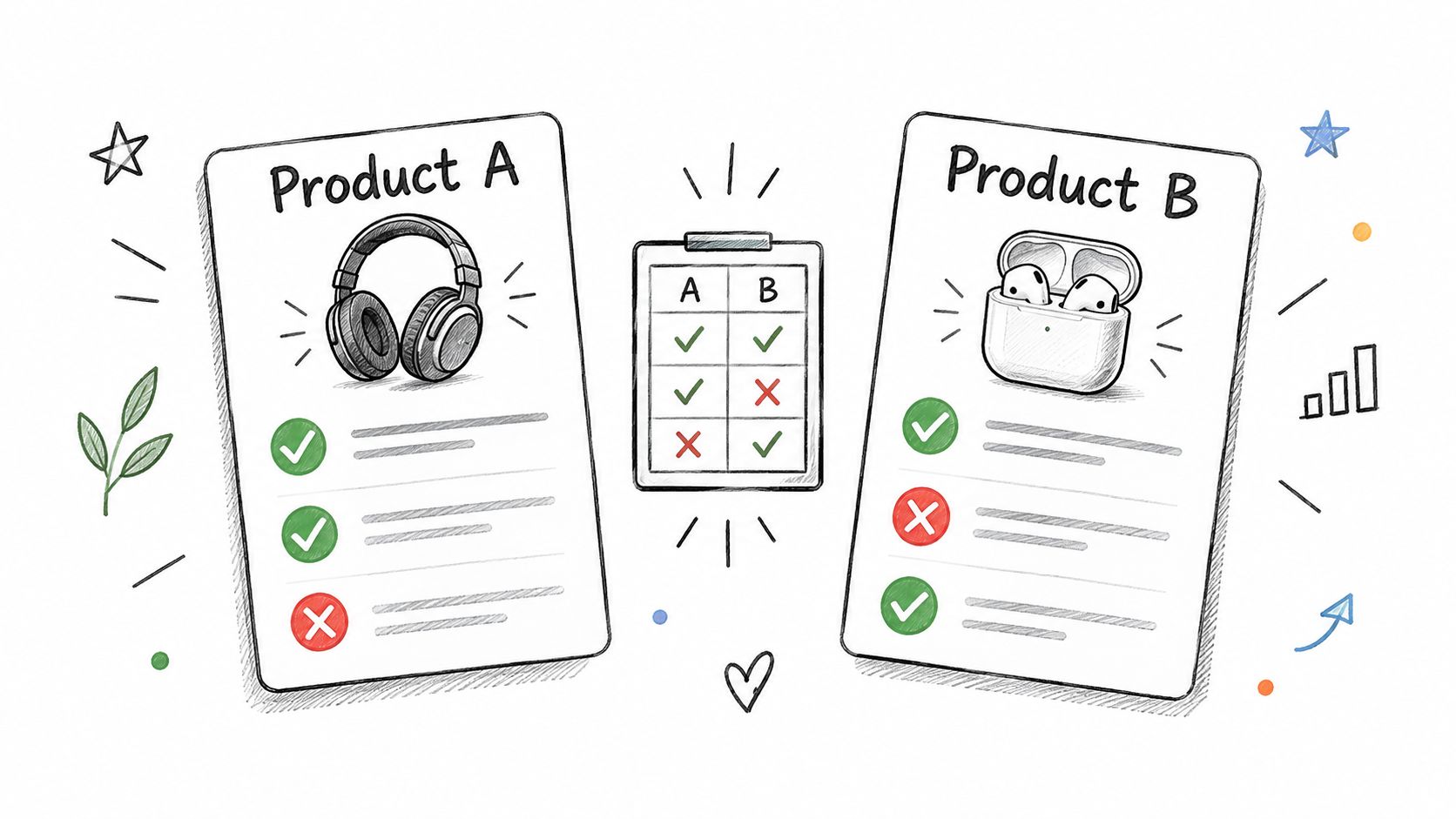
A buyer comparing Asana with Trello has already formed a shortlist. The prompt should expose the trade-off that may determine a trial or sales conversation, such as capabilities, pricing, setup, integrations, or fit. “Compare Asana and Trello for agencies managing client projects” creates a decision frame rather than a simple brand mention.
Track relative framing, criterion-level wins and losses, and factual accuracy. A mention count cannot show whether the assistant presents your product as safer, more flexible, or weaker. Record the exact wording for strengths, limitations, ideal customer, and implementation effort, then connect changes in those measures to the head-to-head stage of the buyer journey.
Use a fixed comparison prompt for the main trend line:
- “Compare Asana and Trello for agencies managing client projects”
- “HubSpot vs Pipedrive for a sales team of five, pros, cons, and pricing”
- “Which is better for analytics, Mixpanel or Amplitude?”
Keep the criteria constant across runs. If one test asks about integrations and another asks only about ease of use, a change in the answer may reflect the prompt rather than market perception. Require the assistant to flag missing or uncertain information instead of filling gaps. That instruction reduces false precision, though it may produce less persuasive copy.
Turn claim errors into assigned work
A favorable verdict can still contain a damaging error. The assistant may assign a feature to the wrong plan, describe a discontinued integration, or confuse one product's target audience with the other's. Log material claims and classify them as accurate, outdated, unsupported, or ambiguous.
Each classification should create a backlog item. An outdated plan detail points to a pricing-page update. A missing integration becomes a documentation task. A repeated weakness in setup or support may require product-marketing content, sales enablement, or a product change.
Comparison tracking is useful only when the criteria stay stable and the claims are verified against current product information.
Keep this instrument separate from discovery prompts. Discovery measures whether a buyer finds you. Head-to-head tracking measures how the assistant explains the trade-off after the shortlist exists. A practical competitor benchmarking workflow preserves that distinction and assigns each gap to the right team.
4. Reputation and Trust Check Prompt
A buyer may discover your brand, shortlist it, and still hesitate before purchase. Reputation prompts expose that hesitation through questions such as “Is Calendly worth paying for?” or “What do customers complain about most with this SaaS brand?” The assistant may summarize trust, reliability, support, security, and user sentiment in one answer.
Track sentiment, recurring concern themes, and balance. A strong discovery position can still fail at the trust stage if the answer repeats unresolved complaints or uncertainty about security. This instrument matters especially for products that handle customer data, affect revenue operations, or demand a difficult migration.
Start with one broad prompt, then test the specific risk behind its answer:
- “Is this product worth paying for?”
- “Is this SaaS brand secure enough for handling customer payment data?”
- “What do users say about the reliability of this platform?”
- “What do customers complain about most with this brand?”
A negative response does not automatically indicate a content gap. The assistant may repeat an old review, misread a complaint, or connect unrelated claims. Confident model errors also require scrutiny, making AI hallucination failure analysis useful when reviewing reputation outputs.
Turn trust signals into a backlog
Pair the general prompt with a focused question about uptime, support response, compliance, billing, onboarding, or a specific feature. If the broad answer sounds negative, the second prompt identifies the issue that may be influencing the verdict. Record the recurring theme, the wording used, and the buyer stage affected.
Then connect that theme to evidence the company controls. A security concern may require clearer security documentation. A reliability concern may call for a public status page or an incident explanation. A support complaint may be addressed through updated help content, service expectations, or a customer story.
MyMentions can turn repeated outputs into a working queue: assign the issue to marketing, support, product, or security, add the evidence needed to address it, and retest the same wording after the change. The useful metric is not a single positive or negative answer. It is whether the concern appears consistently, whether its wording changes, and whether the assistant cites a new source.
Set alerts for meaningful sentiment shifts, while filtering isolated anomalies. Compare the same prompt across providers and over time before assigning work. “Improve sentiment” is too vague. “Add current support coverage and escalation details to the service page, then retest trust prompts” gives the team a measurable action.
5. Pricing and Plan Inquiry Prompt
Pricing prompts sit close to the purchase decision. Buyers ask, “How much does Intercom cost for a team of five agents?” or “What is the cheapest plan that includes API access?” An answer that gets the number, plan name, billing condition, or included feature wrong can redirect the buyer before a sales representative has a chance to clarify it.
Track pricing-answer accuracy, plan eligibility, and whether the assistant explains the value or only repeats a figure. Pricing data often travels through product pages, review sites, comparison articles, and cached content, so an assistant may combine current and outdated details.
Useful examples include:
- “How much does Intercom cost for a team of five agents?”
- “Which project tools include unlimited guests on their free plan?”
- “What is the price difference between annual and monthly billing for this brand?”
Make pricing information machine-readable
Review pricing answers against your live pricing page at least weekly. Record the exact discrepancy, such as an incorrect tier name, a missing usage limit, or a billing condition that the answer omitted. Don't turn every difference into a model-quality complaint. First check whether your own page states the information clearly enough for a crawler or assistant to interpret.
Use consistent tier names, visible feature comparisons, plain-language billing terms, and clear explanations of what changes with seats or usage. A dated “last updated” note can also help readers and systems assess freshness, but it won't replace accurate page content.
A pricing prompt becomes a useful backlog item when it connects the error to an owner. For example:
- Content task: Clarify whether API access is available on each plan.
- Product marketing task: Explain annual versus monthly billing in the comparison section.
- Technical task: Ensure plan and feature information is accessible in the page structure.
- Monitoring task: Retest the affected prompt after the page changes.
Use this workflow to track competitor pricing, while keeping your own pricing checks tied to live product information. Pricing visibility isn't just a ranking problem. It is a trust problem, and buyers notice when an answer sounds confident but doesn't match the checkout experience.
6. Citation-Seeking Prompt
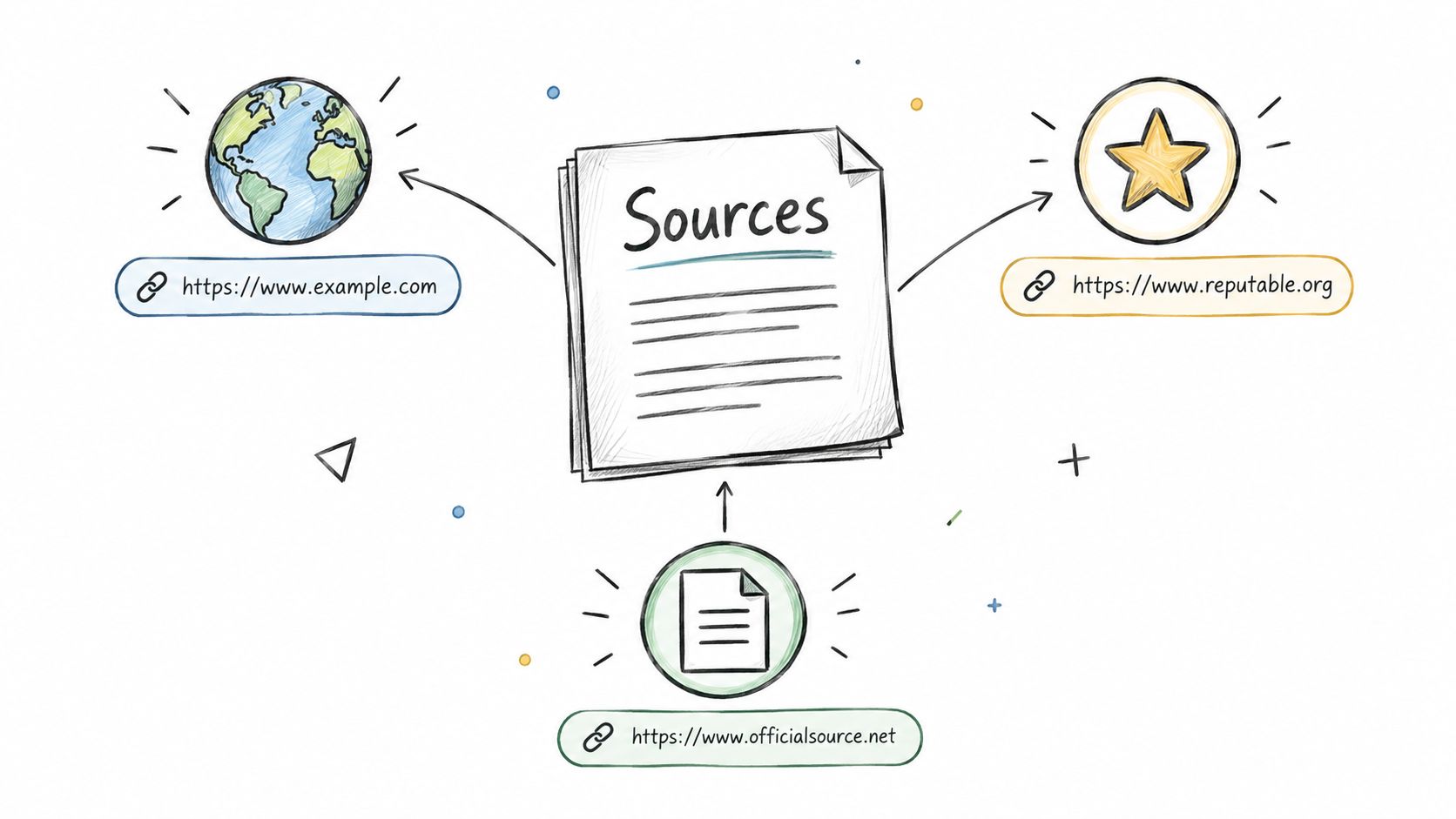
Sources are the last piece of the puzzle. Asking the assistant to show them, “What are the top CRM platforms for nonprofits? Cite your sources,” reveals the pages shaping the recommendation. A second example, “Which project management tools are best for construction firms, with links to reviews?” tests whether the same sources influence another buyer category.
Track citation frequency, recurring referring domains, source type, and whether your own pages appear. These measures connect the prompt to the evaluation stage: citation frequency shows visibility, recurring domains reveal who controls the evidence, and source type identifies the content format assistants rely on. Documentation, review sites, partner pages, comparison articles, and help content can support different claims.
The key question is not only whether your brand appears. Examine which evidence the assistant uses to describe your product, and whether that evidence supports the positioning you want buyers to see.
Examples include:
- “Best payroll software for startups with sources”
- “Top project management tools for construction firms, with links to reviews”
- “What are the leading headless CMS options? Please cite recent sources.”
Citation prompts can distort the measurement when the request over-constrains the answer. A source requirement may favor pages with clear headings and accessible claims, even when those pages offer a weaker view of the market. Run both citation-request and natural-language versions, then compare cited and uncited answers. The metric to watch is the gap between brand mention and evidence ownership.
Turn source gaps into an authority plan
If your pages never appear in citations, check indexing, page structure, product specificity, and the freshness of the details. If external review sites recur, inspect their descriptions of your capabilities and record inaccurate or outdated claims.
The action may belong outside your domain. A frequently cited review, partner directory, integration page, or industry publication can influence several prompt categories. Pursue accurate corrections or placements there rather than assuming another product page will solve the gap.
Use a citation analysis workflow to group sources by domain, page type, product, and claim. The citation analysis guide provides the method. Turn the findings into backlog items such as updating a partner integration page, requesting correction of an outdated plan description, or publishing a buyer-focused implementation guide.
Connect each item to the metric it should change. If assistants cite documentation for technical questions but review sites for trust questions, create different assets for each stage. The goal is to understand the evidence assistants use to construct a buyer's shortlist and decision summary, then improve the sources that shape that evidence.
Comparison of 6 Prompt Examples
| Prompt type | 🔄 Implementation complexity | 💡 Resource requirements | 📊 Expected outcomes | ⚡ Ideal use cases | ⭐ Key advantages |
|---|---|---|---|---|---|
| Buyer-Intent Category Discovery Prompt | Medium, build 20–50 varied prompts and maintain them | Moderate, prompt library, tracking system, daily runs, tagging | Measures share of voice and average rank; surfaces shortlist presence | Awareness/discovery monitoring across categories, personas, budgets | High visibility signal; standardizable for trend tracking |
| Competitor Alternatives Prompt | Low–Medium, anchor on named rivals, repeatable structure | Low, competitor-specific prompts, review switching reasons | Reveals competitive set and common switching reasons | Capture switch-intent users and competitor benchmarking | Identifies strongest proxies and positioning gaps |
| Head-to-Head Comparison Prompt | High, specify criteria and expected structured output (tables, pros/cons) | Moderate, rubric, sentiment scoring, verification of factual claims | Shows framing, sentiment, and attributed strengths/weaknesses | Late-stage research where buyers compare specific products | Pinpoints claims needing correction; clarifies perceived strengths |
| Reputation and Trust Check Prompt | Medium, craft trust-focused queries and monitor sentiment shifts | Moderate, sentiment tracking, source citation analysis, alerts | Early warning on reputation issues; surfaces trust concerns (security, complaints) | Brand health monitoring, PR response, post-incident tracking | Detects trust gaps to address with docs, case studies, security pages |
| Pricing and Plan Inquiry Prompt | Medium, frequent re-checks required due to time sensitivity | High, weekly verification against live pricing, manual checks | Reveals accuracy of pricing info and misquoted plan features | Purchase decisions and prioritizing pricing/plan content fixes | Prioritizes pricing updates; reduces buyer friction from stale info |
| Citation-Seeking Prompt | Low–Medium, explicitly request sources; log recurring domains | Moderate, track cited URLs/domains and audit pages for inclusion | Identifies exact pages shaping answers; actionable link targets | Content strategy, SEO and outreach to frequently cited sources | Shows high-leverage sources to earn/optimize citations and evidence-based fixes |
Turn Prompt Examples into a Weekly AI Visibility Routine
These six prompt types work best as one recurring measurement set, not as isolated experiments. Start with a stable group of 20 buyer-intent prompts covering your main categories, use cases, audiences, and constraints. Run them consistently, tag each by funnel stage, and record brand presence, position, sentiment, answer accuracy, and cited sources.
Once that baseline is reliable, add competitor alternatives, head-to-head comparisons, reputation checks, pricing inquiries, and citation-seeking prompts. Each type answers a different operational question:
- Discovery prompts: Are buyers finding the brand before they visit a website?
- Alternative prompts: Does the assistant treat the product as a credible substitute?
- Comparison prompts: Which strengths and weaknesses shape the decision?
- Trust prompts: What concerns could stop a purchase?
- Pricing prompts: Is the commercial information accurate and current?
- Citation prompts: Which pages and domains influence the answer?
Review the results weekly, but don't rewrite prompts every week. Stable wording makes changes interpretable. When a result moves, inspect the full answer rather than relying on a single visibility score. Note the exact claim, sentiment shift, missing citation, competitor framing, or pricing error that caused the change.
Then convert observations into a prioritized backlog. Rank each task by buyer impact, confidence in the diagnosis, and the team required to fix it. A missing citation may need digital PR or a partner update. An inaccurate feature description may need documentation. A negative trust theme may need product, support, security, or brand involvement.
MyMentions can support this workflow by organizing buyer-intent prompts, comparing results across supported AI providers, tracking visibility and citation signals, and turning prompt-level findings into backlog items. The important part is the operating discipline: fixed tests, clear tags, careful review, and actions tied to the exact answer buyers receive.
MyMentions helps founders, marketers, and SEO teams track how AI assistants discover, rank, describe, and cite their products. Create buyer-intent prompt sets, compare competitors across providers, monitor visibility and sentiment changes, and turn source or content gaps into prioritized work by visiting MyMentions.